Last updated: April 2026
Rankfender is not another standalone SEO tool. It is the central hub where search data flows in from Google Search Console, GA4, Bing, and DataForSEO — and optimized content flows out to WordPress, Shopify, Wix, and any custom CMS. One platform. Every connection. Zero copy-paste.
Most SEO platforms operate in isolation. You check rankings in one tool, analyze traffic in another, write content in a third, and then manually copy it into your CMS. Every handoff between tools is a point of friction, a source of error, and a waste of time. Rankfender was designed from the ground up to eliminate those handoffs entirely. Integrations are not an add-on feature — they are the architectural foundation that transforms Rankfender from a collection of capabilities into a unified operating system for organic growth.
The integration architecture works in two directions. Data flows IN from your search platforms — Google Search Console, Google Analytics 4, Bing Webmaster Tools, and the DataForSEO API — giving the RAIVE engine, Keywords Intelligence, and RAISA agent a constantly updated picture of your search performance, keyword landscape, and competitive positioning. Content flows OUT through direct publishing connections to WordPress, Shopify, Wix, and any custom CMS via webhooks — so the content your Content Engine produces goes live without leaving Rankfender. This bidirectional flow is what makes the platform a closed loop: data informs strategy, strategy drives content, content gets published, and results flow back in to refine the next cycle.
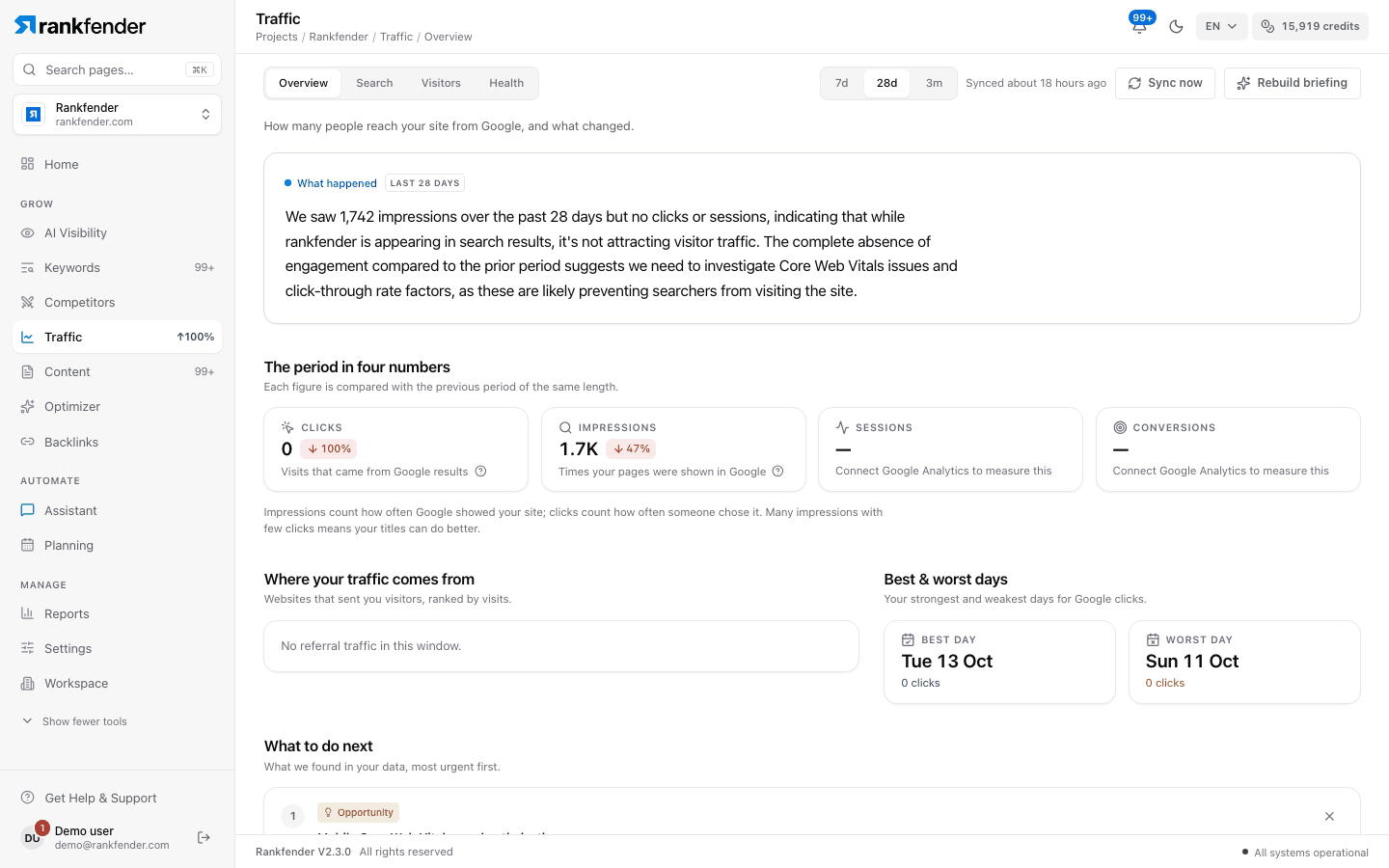
Rankfender ingests data from four major sources every day, building a comprehensive picture of your search performance that feeds every module in the platform.
Full OAuth integration with daily automated data sync. Rankfender imports your complete GSC dataset — queries, pages, devices, search appearance types, click-through rates, average positions, total clicks, and impressions. But this is not a read-only connection. Rankfender also submits URLs directly to the Google Indexing API after you publish content, ensuring new pages enter the index as fast as possible.
Rankfender connects to GA4 via OAuth and runs 9 parallel report syncs every day. This is not a surface-level traffic widget — it is a deep integration that gives you traffic overview, sources and medium breakdown, audience demographics, event tracking, referrer analysis, landing page performance, geographic distribution, technology breakdown, and channel groupings. All of this data feeds directly into RAISA's strategic recommendations and your Content Engine briefs.
Bing represents a meaningful share of search traffic — especially in enterprise and B2B contexts where Edge and Bing have significant market penetration. Rankfender syncs search query data, page-level performance, and sitemap status from Bing Webmaster Tools, ensuring your SEO strategy accounts for the full search landscape, not just Google.
For real-time keyword intelligence, Rankfender connects directly to the DataForSEO API. This powers the Keywords Intelligence engine with live data that tools like Ahrefs and SEMrush charge hundreds of dollars per month to access: real-time search volume, cost-per-click estimates, keyword difficulty scores, SERP feature detection, and competitor keyword data. Every keyword analysis in Rankfender is backed by fresh, API-level data — not cached databases from weeks ago.
Once your Content Engine produces an article, Rankfender pushes it directly to your CMS. No exporting. No reformatting. No copy-paste. The content goes live with all SEO metadata, structured data, and internal links already applied.
The Rankfender WordPress plugin (v1.6.0) delivers the deepest CMS integration on the platform. One-click publishing from the Content Engine pushes fully formatted blog posts and pages directly to your WordPress site — complete with title tags, meta descriptions, categories, tags, featured images, and schema markup. After publishing, Rankfender automatically submits the new URL to Google Search Console for priority indexing.
For e-commerce brands, Rankfender connects to Shopify via a handshake integration that supports both product description publishing and blog content. Write SEO-optimized product copy in the Content Engine and push it directly to your Shopify store — no manual data entry, no formatting discrepancies between what you wrote and what goes live.
Wix users get the same streamlined publishing workflow through a handshake integration. Connect your Wix site to Rankfender, and the Content Engine can push blog posts directly — formatted, optimized, and ready for your audience. No need to maintain a separate writing environment.
For teams running headless CMS platforms, custom-built sites, or any system not natively supported, Rankfender offers configurable webhook endpoints. Define your endpoint URL, map the content payload to your schema, and the Content Engine will POST formatted content directly to your system every time you hit publish. This works with Strapi, Contentful, Ghost, Hugo, Next.js, and any platform that accepts HTTP webhooks.
One of the most underrated features in Rankfender's integration stack is automatic indexing submission. When you publish content through the WordPress plugin, Rankfender does not just push the article to your site — it also submits the new URL directly to Google Search Console's Indexing API. This triggers Google to crawl and index your page significantly faster than waiting for natural discovery through sitemaps or internal links.
For teams publishing at scale — 10, 20, or 50+ articles per month — automatic indexing eliminates a tedious manual step that most SEO teams forget or deprioritize. Every article you publish through Rankfender enters the Google index as fast as technically possible, which means it starts ranking and driving traffic sooner. This is the kind of operational detail that separates an SEO operating system from a collection of disconnected tools.
Integrations are not just connections — they create a self-reinforcing cycle where every step feeds the next.
GSC, GA4, Bing, and DataForSEO sync daily, giving Rankfender a real-time picture of your search performance, keyword landscape, and competitive positioning.
RAIVE scores your AI visibility, Keywords Intelligence identifies opportunities, and RAISA synthesizes everything into prioritized strategic recommendations.
The Content Engine produces SEO-optimized articles targeting the exact gaps and opportunities surfaced by your data — not guesswork, but data-driven content strategy.
One click pushes the finished article to WordPress, Shopify, Wix, or your custom CMS — with all metadata, schema markup, and internal links already applied.
New page performance flows back into GSC and GA4, which Rankfender syncs the next day. The cycle repeats — each iteration informed by real performance data from the last.
The Rankfender WordPress plugin (currently v1.6.0) is a lightweight, secure plugin that establishes a persistent connection between your WordPress site and your Rankfender account. Once installed, it enables one-click publishing from the Content Engine — no API keys to manage, no complex setup. The plugin supports both standard blog posts and static pages, and transfers all content formatting, metadata, categories, and tags faithfully.
The plugin is designed for teams that publish frequently. Whether you are pushing 5 articles a week or 50, the workflow is identical: review your content in the Content Engine, click Publish, select your WordPress site, and the article goes live. Combined with auto-GSC indexing, this means a new article can go from AI-generated draft to indexed and ranking-eligible in under 60 seconds.
Not every team runs WordPress, Shopify, or Wix. Many modern content operations use headless CMS platforms like Strapi or Contentful, static site generators like Hugo or Gatsby, or fully custom-built publishing systems. Rankfender's webhook integration covers all of these cases with a simple, flexible approach: define your endpoint, configure your payload mapping, and publish.
When you hit Publish in the Content Engine with a webhook destination selected, Rankfender sends a structured JSON POST request to your configured endpoint. The payload includes the full article content (HTML-formatted), all metadata (title, description, slug, categories, tags), and any custom fields you have mapped. Your receiving system can process this payload however it needs to — creating a new CMS entry, triggering a static site build, updating a database record, or kicking off a custom publishing pipeline.
The difference between a tool and an operating system is integration depth. A tool does one thing well in isolation. An operating system connects data, intelligence, content, and distribution into a single workflow where every component informs the others. Rankfender's integrations are what make this possible — and what make every other module in the platform dramatically more valuable.
Rankfender currently supports direct publishing to WordPress (via a native plugin, v1.6.0), Shopify (handshake integration for product descriptions and blog posts), and Wix (handshake integration for blog posts). For any other CMS or custom-built system, you can configure a webhook endpoint that receives structured JSON payloads whenever you publish from the Content Engine. This webhook approach works with Strapi, Contentful, Ghost, Hugo, Next.js, and any system that accepts HTTP POST requests.
Rankfender performs a full OAuth sync with GSC and imports your complete dataset daily: all search queries, page-level performance, device segmentation (desktop, mobile, tablet), search appearance types (rich results, FAQ snippets, video), click-through rates, average positions, total clicks, and impressions. Beyond reading data, Rankfender also writes to GSC — it submits URLs to the Indexing API after you publish content through the WordPress plugin, accelerating how quickly new pages enter the Google index.
When you publish an article through the Rankfender WordPress plugin, the platform automatically submits the new page URL to the Google Search Console Indexing API. This triggers Google to prioritize crawling and indexing that URL, which is significantly faster than waiting for Google to discover the page through sitemaps or internal link crawling. This feature is automatic — there is no additional configuration required beyond having your GSC integration connected.
Yes. Rankfender supports multi-site configurations across all integration types. You can connect multiple Google Search Console properties, multiple GA4 streams, multiple WordPress installations, and multiple webhook endpoints. This is especially valuable for agencies managing client portfolios or businesses with multiple domains and regional sites.
The DataForSEO API integration provides real-time keyword intelligence data that powers the Keywords Intelligence module. This includes live search volume data, cost-per-click estimates for assessing commercial intent, keyword difficulty scores, SERP feature detection (which queries trigger featured snippets, People Also Ask, video carousels, etc.), and competitor keyword overlap data. All of this data is fetched in real time via API — not from cached databases that may be weeks or months out of date.
The webhook integration sends a structured JSON POST request to any endpoint URL you configure. When you publish from the Content Engine and select a webhook destination, Rankfender sends the full article content (HTML-formatted), all metadata (title, description, slug, categories, tags), and any custom fields you have mapped. You can configure custom headers for API key authentication, and Rankfender includes retry logic and delivery logging so you can verify every publish succeeded.
Every integration you connect makes the entire platform smarter. GSC data feeds your keyword strategy. GA4 data refines your content priorities. Published content generates new performance data. The flywheel accelerates with every connection. Start with one integration and see the difference a connected SEO operating system makes.
Start Connecting FreePublish AI-optimized content directly to your platform — no copy-paste, no manual workflow required.